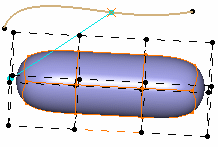
-
Click Link
 in the Operations toolbar.
-
You can also access this command by pressing ALT+SHIFT+L.
-
You can select the elements prior to entering the command.
-
-
Select the surface.
-
Select a geometric feature (point, line, curve) or another subdivision surface.
A Tools Palette is displayed. 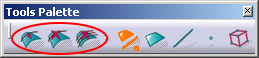
The following icons let you: -
add
a new curve to the selection
-
 reset
the current curve association
reset
the current curve association
-
 reset
all the curve associations
reset
all the curve associations
The other icons let you filter the type of association: surface, edge or vertex. 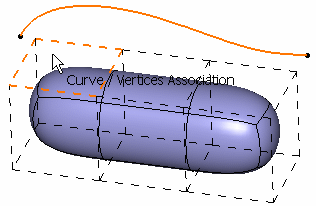
-
-
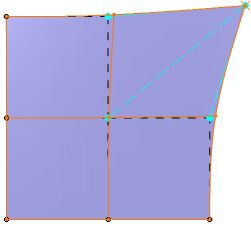
Select the elements of the base mesh to associate to the surface: a blue dotted line (that is the vector) is displayed in the 3D area to show the association.
-
Click Modification
 to deform the curve.
A Tools Palette is displayed. 
Refer to Manipulating and Deforming Curves. -
Sketch the curve to deform it.
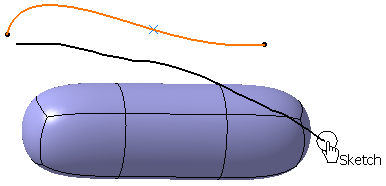
The selected elements are automatically moved and the surface recomputed. 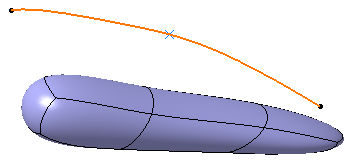
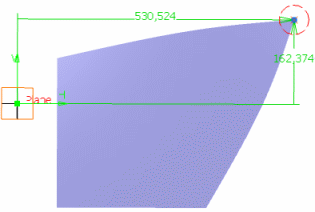
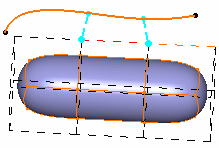
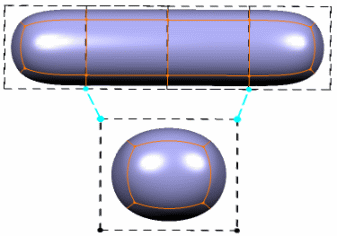
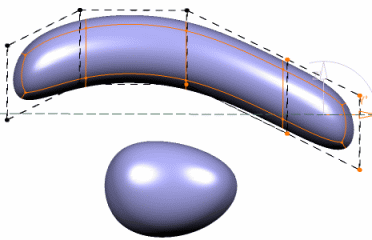
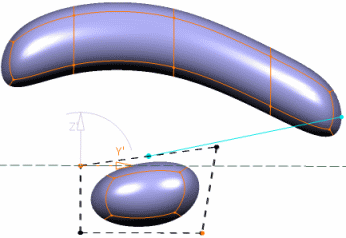
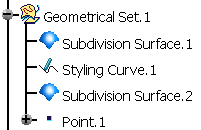
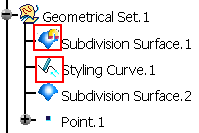
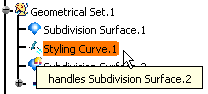
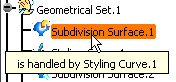
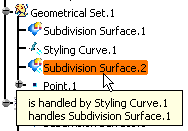

- When editing or modifying the subdivision surface, the link appears as a blue full line: