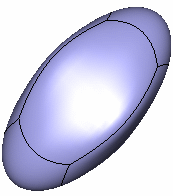
Open the ModifySurface1.CATPart document.

-
Click Modification
 in the Modification toolbar.
 -
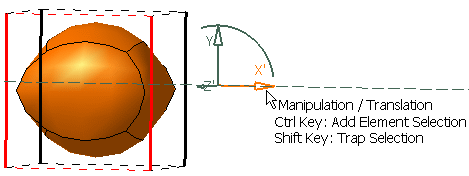
Click the surface to position the manipulators depending on the mouse cursor position.

You are able to perform translations along three directions or three planes (defined by the directions). -
Click Translation
 in the Tools Palette.
 -
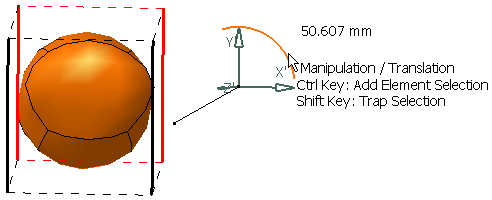
Move the mouse cursor to highlight the desired axis or plane.
-
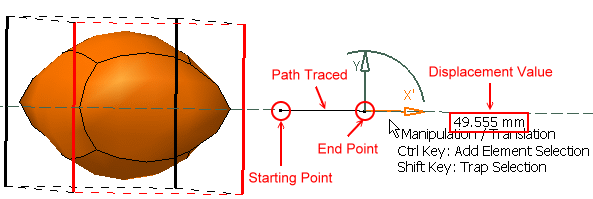
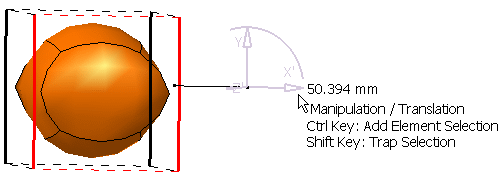
Hold down the left-mouse button and drag to translate the surface.
-
-
Release the left-mouse button when you are satisfied with the new position of the surface.